
 English

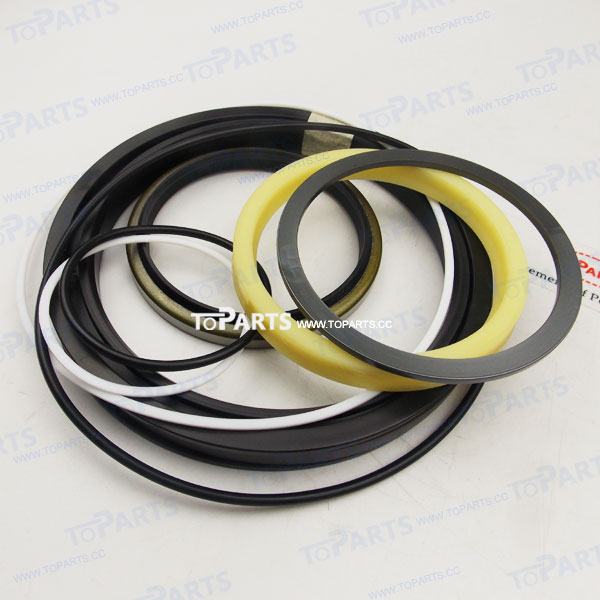
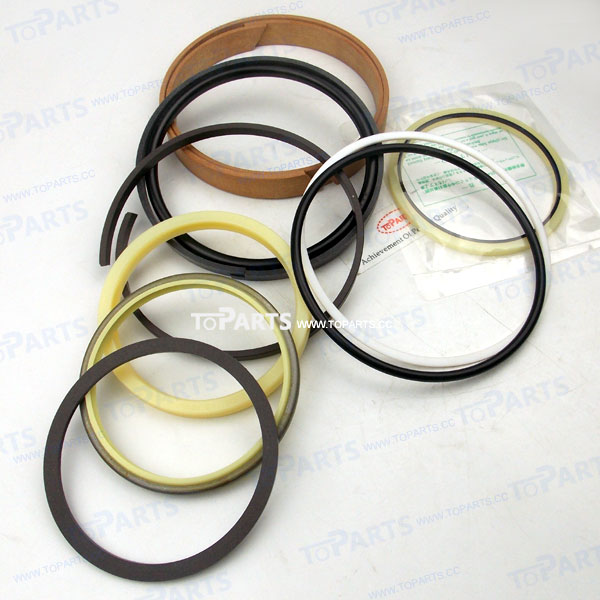


0003385 Hitachi Excavator Inner Wiring Harness for EX400-5 EX450H-5
Restore reliable electrical performance to your Hitachi EX400-5 EX450H-5 with the 0003385 Inner Wiring Harness. Built as a direct replacement for the original part, it matches the factory routing, connector layout and length, so it goes in where the old one came out.
Specifications
- Part Name: Inner Wiring Harness
- Part Number: 0003385
- Condition: Brand new
- Product Weight: 5 kg / 11.02 lbs
- Brand: TOPARTS
- Feature: Matches original routing and length; durable, heat-resistant insulation
Fits the Following Machines
Hitachi EX400-5, EX450H-5
Function Overview
Inside the cab, this harness ties the monitor panel, controller, key switch and control switches into one circuit network. When it starts to fail, the first signs are usually in the cab itself: dead switches, flickering displays or controls that respond only some of the time.
Protected from weather but not from wear, the cab harness flexes every time a seat is adjusted, a console is moved or a panel is opened. Over the years, these small movements loosen terminals and fatigue wires, especially behind the seat and under the floor plate.
Hitachi ZAXIS and EX series machines combine electronic engine control with electronically managed hydraulics, so both systems depend on sound wiring to deliver their rated performance.
Common Symptoms of a Failing Harness
Watch for these symptoms:
- Burnt smell or discoloured connectors behind panels
- Joystick or work mode functions not responding
- Faults that appear when the seat or console is moved
- Monitor flickering, going blank or resetting while working
If these symptoms persist after checking fuses, batteries and grounds, the wiring itself is the next thing to suspect.
Repair vs. Replacement
Harness repairs are hard to do well in the field. Moisture gets into joints, tape loosens with heat, and intermittent faults come back. Replacing the harness gives you factory-style connections throughout and makes future troubleshooting far simpler.
Installation Guide
- Remove the seat or console covers as needed to get clear access.
- Unplug the monitor and controller connectors carefully and check their locking tabs.
- Route the harness exactly as the original to avoid pinching under floor plates or seat rails.
- Test every switch and the monitor before refitting the panels.
Reducing Downtime
Electrical problems tend to get worse rather than better. Replacing a deteriorating harness at a planned service interval is far cheaper than dealing with a breakdown in the middle of a job, especially on remote sites.
Questions Buyers Often Ask
Can I replace only part of the harness?
For a reliable result we recommend replacing the complete harness, since the rest of the old wiring has aged under the same conditions.
What should I do if the part does not match?
Contact us with photos of the original and the new part. We will help you resolve the issue quickly.
How long does shipping take?
Orders are shipped by express courier such as DHL, FedEx, UPS or TNT, and you will receive a tracking number by email as soon as your parcel leaves our warehouse.
Order & Delivery
- Payment Method: PayPal, Stripe, Credit card, Visa, etc.
- Shipping Method: DHL, FedEx, UPS, TNT, USPS EMS, etc.
- Track Your Order: An email containing the tracking number with a link will be sent to you as soon as it ships.
Note: Please verify your part number and match our product pictures to your original item before ordering. If you have any questions, please feel free to contact us. Thanks.